Managing utility bills is an essential part of everyday life in Dubai and the Dubai Electricity and Water Authority (DEWA) has streamlined this process through a wide range of convenient payment options. With the UAE’s growing focus on digital transformation and smart government services, residents can now pay their electricity and water bills quickly, securely and virtually from anywhere.
Whether you are a new resident setting up utilities or a long-term tenant looking to simplify monthly payments, understanding the DEWA bill payment service can help you avoid late fees, save time and manage your finances efficiently.
DEWA Bill Payment Channels in Dubai
DEWA services offer multiple integrated bill payment channels, including mobile apps, online portals, banking services and physical kiosks. This ensures flexibility for all users, whether they prefer fully digital transactions or traditional payment methods.
Below is a detailed breakdown of all available payment options for Dubai electricity and water bills.
DEWA Smart App
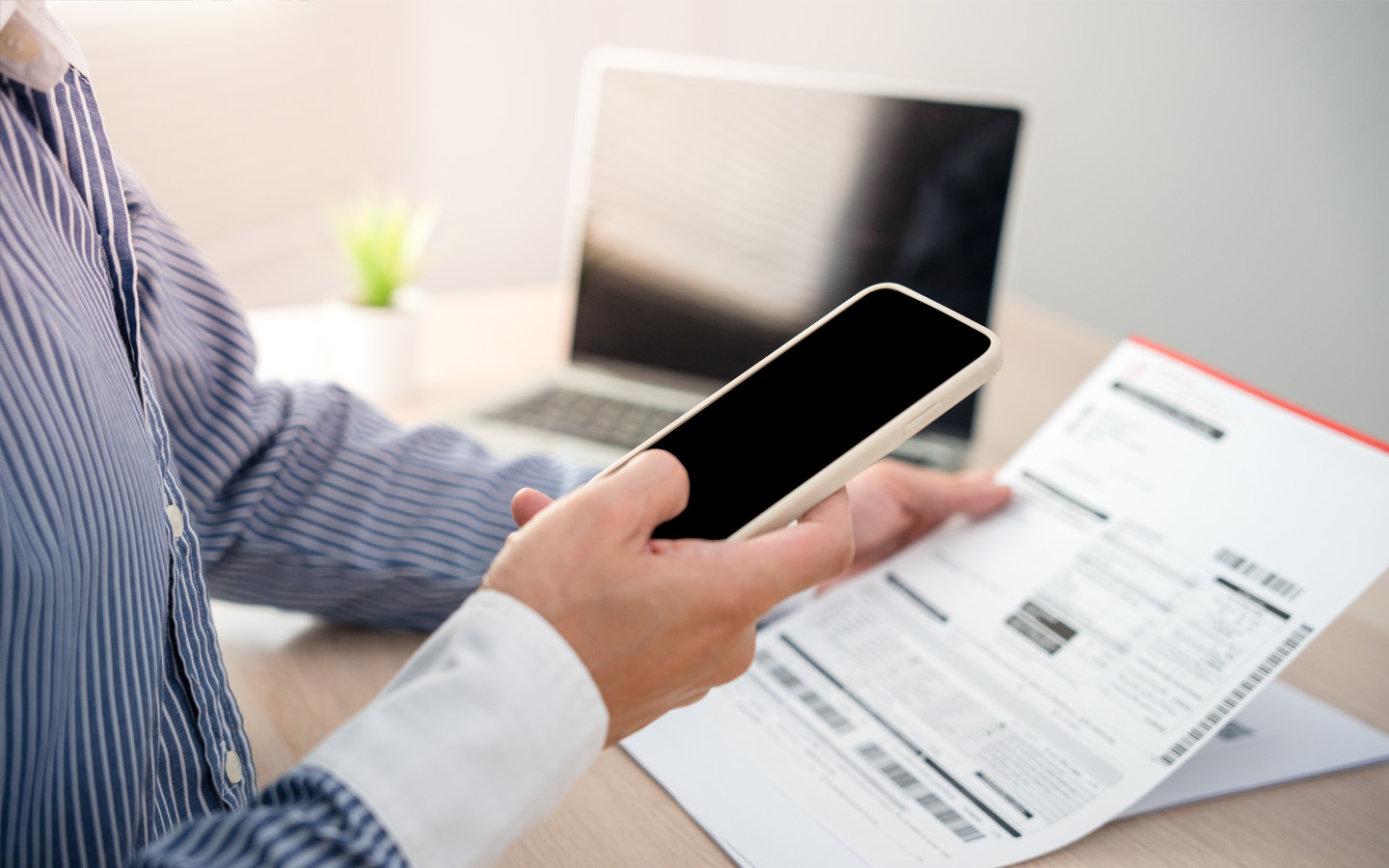
Consumers can pay DEWA bills online via the DEWA Smart App. It is a multilingual mobile application that allows users to check and pay their monthly electricity and water bills online via DEWA bill payment.
- You can download the DEWA Smart app (Android | iOS | Huawei AppGallery) and pay bills online
The DEWA Smart app is part of DEWA’s smart living initiatives. Its user-friendly features allow you to track bill requests and compare current bills with the previous ones. Available payment options include:
- Credit/Debit Cards: Up to AED 750,000 per transaction
- Apple Pay / Samsung Pay: Up to AED 500,000 per transaction
- Noqodi (Net Banking & e-Wallet): Applicable service charges based on transaction value
- UAE Payment Gateway System (UAEPGS): Direct debit via internet banking, up to AED 500,000
DEWA Website
The DEWA website is another convenient way to pay your utility bills, especially for users who prefer a desktop-based experience.

When making payments online, credit and debit cards are accepted. The Dubai Electricity and Water Authority online portal allows payments of up to AED 750,000 per transaction. If your total outstanding amount exceeds this limit, the bill can be settled through multiple transactions.
Empay
Empay is another hassle-free option for paying DEWA bills, offering a quick and seamless digital payment experience. In addition to utility payments, the app also allows users to settle other expenses such as Salik charges, telecom bills and traffic fines, making it a versatile all-in-one platform.
Available across iOS, Android and Huawei AppGallery, Empay ensures easy access for users on different devices. Payments can be made using:
- Credit cards
- Direct debit
- Bank transfer
DubaiNow

The DubaiNow app brings together multiple government services under one platform, including DEWA bill payments. It is ideal for users who want to manage all their essential payments in one place without switching between different apps.
The available options for bill payment on DubaiNow app include:
- Credit cards
- Apple Pay
- Auto pay
- Noqodi wallet
DEWA Easy Pay
DEWA EasyPay lets users pay their own bills or settle someone else’s by entering their DEWA ID or EasyPay number. It supports payments for Green Bill, Green Charger, Estimate, Port Sale, KW Invoice and General Services.
Payments can be made using the following methods:
- Credit/Debit cards
- Apple Pay
- Samsung Pay (for Samsung devices)
- Noqodi Net Banking: AED 5 + VAT for every AED 25,000 and AED 20 + VAT for payments above AED 75,000
- Noqodi e-Wallet: AED 1 + VAT for every AED 100 and AED 3 + VAT for payments above AED 200
Tayseer
Tayseer is a multi-account bill payment method that allows payments via cash or cheque:
- Step 1: Generate a reference number on the DEWA Smart App or website.
- Step 2: Pay via Emirates NBD Cheque Deposit Machines or bank transfer using the reference number.
Etisalat Payment
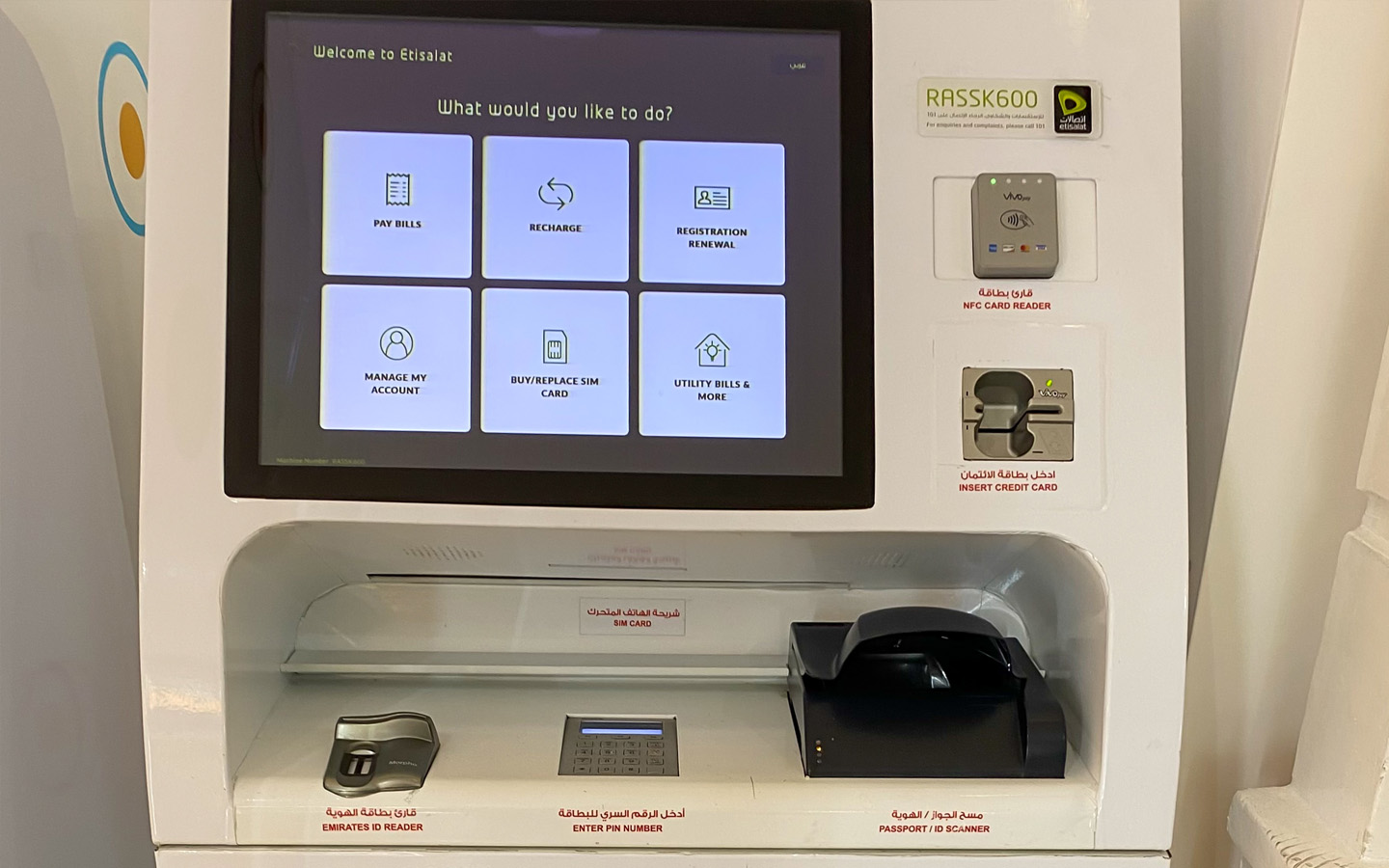
Etisalat offers several convenient ways to pay DEWA bills:
- e&money App: You can use the e&money digital wallet app, which allows you to pay bills either by loading funds into the wallet or directly using your card.
- Etisalat Payment Machines: Available across the UAE for cash payments.
- My Etisalat UAE App: View and pay bills on Android and iOS.
Banks
Consumers can pay DEWA bills if they have an account in the following banks in Dubai:
- Abu Dhabi Commercial Bank (ADCB)
- Abu Dhabi Islamic Bank (ADIB)
- Ajman Bank
- Arab Bank
- Commercial Bank of Dubai (CBD)
- Dubai Islamic Bank (DIB)
- Emirates NBD (Online Payment)
- First Abu Dhabi Bank (FAB)
- Habib Bank AG
- Al Hilal Bank
- HSBC Bank
- Mashreq Bank (MSQ)
- HSBC Bank
- National Bank of Fujairah (NBF)
- National Bank of Umm Al Quwain (NBQ)
- RAK Bank
- Sharjah Islamic Bank (SIB)
- Standard Chartered Bank (SCB)
- United Arab Bank
- Emirates Islamic Bank
DEWA bill payments in the aforementioned banks can be made in the following ways:
- Mobile banking via bank apps
- Cash payments at teller counters or select CDMs
- ATM payments
- Direct Debit for automated monthly payments
- Auto Pay for recurring bill deduction (ADCB, HSBC, Emirates NBD, Mashreq and others)
Paying at ENOC and EPPCO Stations
You can also pay DEWA bills using ENOC/EPPCO service stations and Emirates post offices that are operational across the city. All you need is to visit selected stations to pay the DEWA bills, via cash payments or self-service kiosks.
Customer Happiness Centres
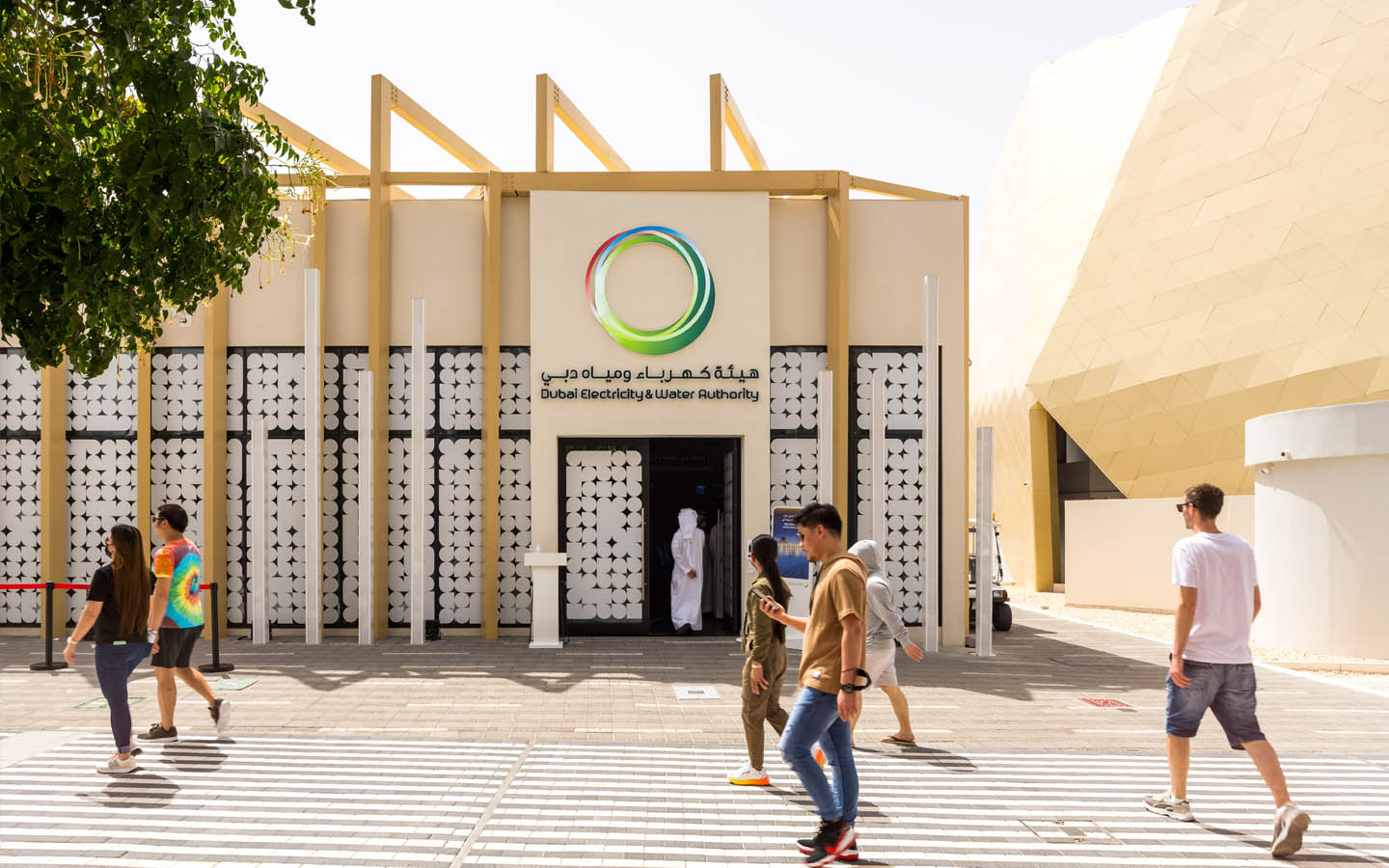
DEWA’s Customer Happiness Centres provide in-person assistance for bill payments, account setup and other service-related inquiries.
- Head office location: Sheikh Rashid Road, Umm Hurair 2
- Contact: 04-6019999
- Email: customercare@dewa.com
- Timings: Monday to Thursday: 7:30 AM to 3:00 PM | Friday: 7:30 AM to 11:30 AM | Saturday & Sunday: Closed
DEWA Quick Pay: Bill Payment Procedure
DEWA offers multiple channels for quick and convenient bill payment. Here’s how to pay DEWA bill:
Smart Channels
- Register or log in to the DEWA website or Smart App using your DEWA ID or UAE Pass.
- Access the payment service, select your account or generate a reference number.
- Choose your preferred payment method and complete the transaction.
Payment Partners
- Visit a DEWA quick pay partner, such as Etisalat machines, EPPCO or ENOC service stations.
- Provide your DEWA account number or reference number to make the payment.
Customer Happiness Centres (Self-Service)
- Use the virtual screens available at any DEWA Customer Happiness Centre.
- Log in or register via the DEWA website or Smart App.
- Enter the amount, select your payment method and pay the bill.
Other Options
Besides, you can pay DEWA bills via WhatsApp by providing your DEWA account details, making the process quick and convenient.
FAQs
How do I request a bill correction or dispute a DEWA bill?
You can submit a dispute request online, through the app or at a Customer Happiness Centre. DEWA will investigate and adjust your bill if necessary.
Can I set up automatic payments for my DEWA account?
Yes, DEWA allows Auto Pay or Direct Debit through partner banks or apps, automatically deducting your monthly bills.
How to Reduce DEWA Bills?
Smart usage of appliances and utilities can help reduce DEWA bills and adopt an eco-friendly lifestyle.
Are there special DEWA services for people of determination or senior residents?
Yes, DEWA offers dedicated support, including assistance at centres, priority services and accessible billing options for people of determination and senior residents.
The DEWA bill payment service in Dubai has developed a highly flexible and user-friendly procedure that caters to a diverse population. Whether you prefer mobile apps, online banking or physical payment points, there is a solution to match every need.
For those moving into a new property, it’s important to follow the DEWA disconnection process to close your previous account before opening a new one. Whether you are buying an apartment or renting a villa in Dubai, understanding DEWA services supports a smooth move-in process and hassle-free bill management.
Stay tuned to dubizzle’s leading property blog for more helpful information on DEWA bills.