
If you are planning to buy a new home or rent a place in Dubai, obtaining a DEWA connection is the first step to ensure you have access to electricity and water. Below are some frequently asked questions regarding DEWA, covering topics such as activating your electricity and water connection (move-in), deactivation, bill payments and transferring your DEWA account.
These DEWA FAQs will help you understand the account opening and closing procedure, along with the required documents, fees and more.
Let’s dig into the details and find out the answers to some of the most frequently asked questions (FAQs) about DEWA.
Frequently Asked Questions About DEWA
These DEWA FAQs aim to make you familiar with handling DEWA accounts in Dubai. Here is what you should know.
What is DEWA?
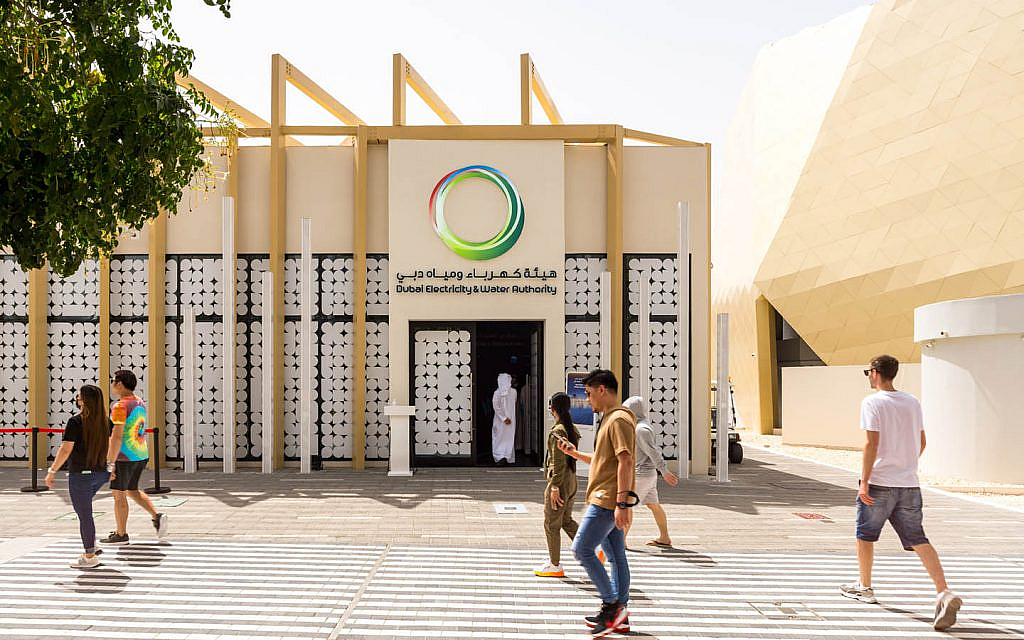
Dubai Electricity and Water Authority (DEWA) is a government entity and one of the leading water and electricity providers in Dubai. DEWA has also become the first state-owned company to go public in March 2022. DEWA can install 490 million imperial gallons of water and 13,417 MW of electricity daily.
How to check DEWA bills online?
You can follow these steps to check your DEWA bill online:
- All you need is to visit DEWA official website.
- Click on the ‘Consumer’ option available on the home page.
- Click on the ‘View Bill’ option mentioned under the billing section.
- You only need your 9 or 10-digit account or premise number to check DEWA bills online.
Besides, you can also make payments via EasyPay. It is a recent payment system which allows customers to pay and check their DEWA bills. you can easily access EasyPay via UAE Pass or DEWA User ID.

How to pay the DEWA bill online?

There are several ways you can pay DEWA bills conveniently. Some of them include:
- DEWA Website: You can pay DEWA bills online just by logging in to the DEWA website. However, it is important to note here that the service only accepts GCC cards.
- DEWA Smart App: All you need is to open a DEWA account via Smart App (iOS–Android) and simply pay the outstanding bills.
- EasyPay: As mentioned earlier, EasyPay is also a convenient option to access several billing services at one stop.
- DEWA SMS may: You can activate the billing service by registering on the DubaiNow App. All you need is to send an SMS to pay DEWA bills via App. Besides, you can also pay bills automatically every month by activating the Auto Payment feature.
From opening your account to paying bills and disconnecting your DEWA account, the DEWA app is a one-stop solution for all.
How to pay DEWA bills offline?
Besides online, the offline bill payment service is also convenient.
- Etisalat public payment machines: You can pay DEWA bills in cash form at any Etisalat payment machine available in the UAE.
- Tayseer: You can use the reference number via Emirates NBD cheque deposit machines to pay DEWA bills.
- DEWA Service Centre: You can visit the nearest DEWA service centre to pay the bills.
- Drive-through: You can access Al Wasl and Umm Ramool centres’ drive-through payment service.
- EPPCO/ENOC: EPPCO or ENOC service stations accept cash payments for DEWA bills.
- Banks: Several banks also offer DEWA bill payment services some of them include: Emirates NBD, Ajman Bank, Dubai Islamic Bank, Emirates Islamic Bank and Standard Chartered Bank etc.
What is DEWA’s One-Step Move-in?
Tenants can initiate the automated move-in process when their Ejari is issued. A corresponding account will be created as soon as your data is automatically sent to DEWA. This helps in setting up your electricity connection within a couple of days.
If you are moving to your new home, check all the lights and fixers that can help you reduce DEWA bills.
How can I use DEWA’s One-Step Move-in?
You will receive the security deposit details from DEWA via email or SMS, once your Ejari Dubai is created and your DEWA account is ready. The utility services will be activated as soon as you pay the amount. Also, you don’t need to submit any document or application to activate the service.
How much is the DEWA deposit for the activation of Electricity & Water?
The security deposit is AED 2,000 for apartments and AED 4,000 for villas. The security amount is refundable. Also, AED 130 is to be paid as the supply activation fee.
How I can pay DEWA Security Deposit?
The welcome email you will receive from DEWA will have the security deposit payment link. You can pay the deposit by clicking on the link. Besides, you can also pay the DEWA security fee via any DEWA payment channel.
What documents are required to avail personal move-in services?
You need the following document to open a DEWA account:
- If you are a tenant a copy of an Ejari contract is mandatory.
- Completed application form.
- If you are a property owner, a title deed or proof of ownership is required.
What are the other charges for DEWA account activation?
Following are the DEWA activation charges for a new account:
- Registration: AED 10
- Knowledge fee: AED 10
- Innovation fee: AED 10
- Large electricity and water metres: AED 300
- Small electricity and water metres: AED 100
VAT is also applicable where required.
How to disconnect DEWA?
This is also referred to as the move-out service when you need to deactivate the electricity and water supplies of the current premises. You need to provide the following documents:
- Move-out date
- Final bill payment
- Mobile number
Read on to find the DEWA disconnection process in detail.
What are the DEWA disconnection or move-out service charges?
The deactivation charges of DEWA utilities are:
- For small meters the disconnection charges for water and electricity: are AED 100
- For large meters the disconnection charges for water and electricity: are AED 300
- Innovation fee: AED 10
- Knowledge fee: AED 10
How to transfer the DEWA account?
You need to have the following details to apply for the move-to request:
- EJARI number of current residence
- Premise number of new residence
- DEWA account number for the current residence
- Date of move-out
- Date of move-in
What are the documents required to transfer the DEWA account?
Those who are requesting to transfer the DEWA account need the following documents:
- Emirates ID
- Ejari for non-Freezone tenants
- Image of passport of GCC Nationals or investors
- Tenancy contract for Freezone tenants
- Title deeds of new property (for property owners)
- Trade licence (commercial)
You can also transfer your DEWA account through RERA – Property Management authorised centre.
With this, we conclude our list of some of the most commonly asked DEWA FAQs. If you have any more queries, you can visit DEWA’s official website or call customer care at +971-4-601-9999.
If you are planning to buy a property in Dubai, make sure you know all about the process of getting electricity and water connection.
If you want to know more about DEWA services, stay in touch with the UAE’s leading property blog.