- Secure Wi-Fi Network
- Strengthen Account Security
- Manage Camera Access
- Control Third-Party Usage
- Monitor Connected Devices
- FAQs
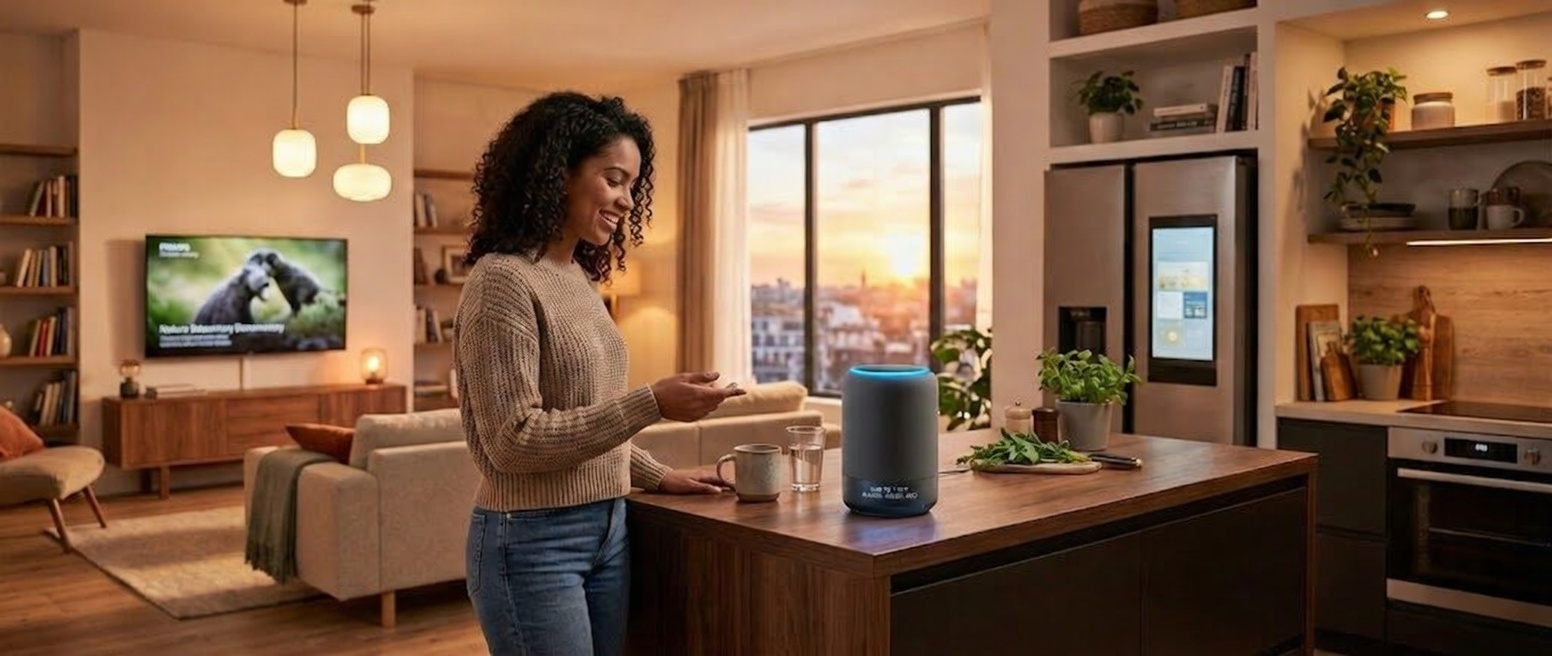
Smart speakers and voice-enabled hubs such as Amazon Alexa, Google Assistant, Apple Siri and Samsung SmartThings are now common in homes. While they improve convenience and automation, proper setup and management are essential to protect privacy and strengthen security.
Key Tips for Using Smart Home Assistant
Below are practical and factual smart home assistant tips to follow.
Secure Your Wi-Fi Network First
Your Wi-Fi network is the primary access point for using smart home assistants. To secure your network, you’ll need to:
- Enable WPA3 or at least WPA2 encryption.
- Change the default router username and password.
- Use a strong, unique Wi-Fi password.
- Consider creating a separate guest or IoT network for smart devices.
A segmented network limits exposure if one device is compromised.
Strengthen Account Security
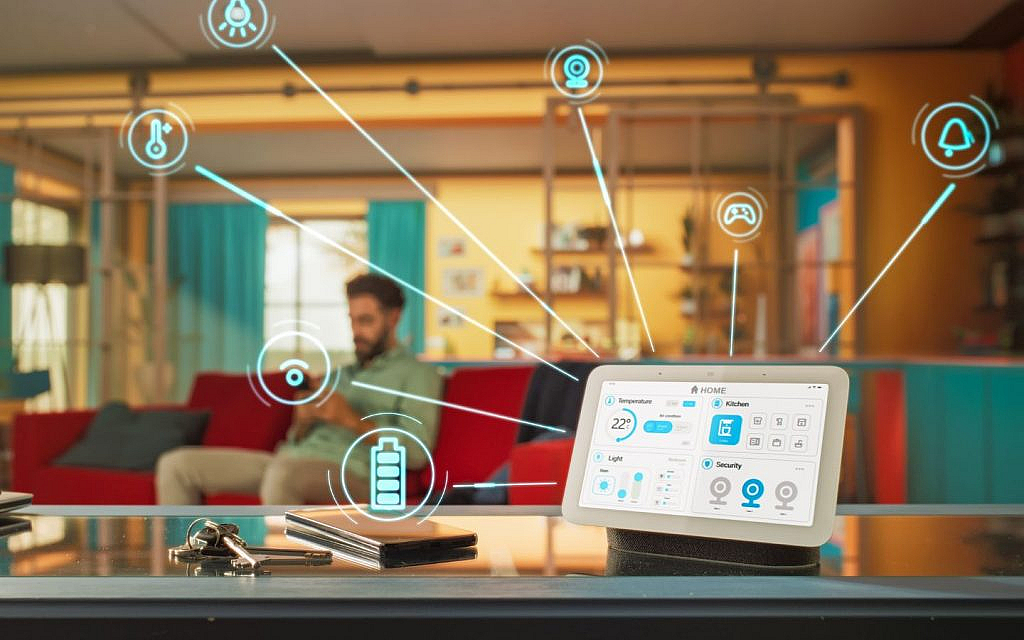
Digital assistants and other pieces of smart home tech are often linked to online accounts. Follow these steps to stay protected:
- Use strong, unique passwords for your Amazon, Google or Apple ID accounts.
- Enable two-factor authentication (2FA).
- Regularly review login activity and connected devices.
Review Voice Recording Settings
Voice assistants may store recordings to improve speech recognition. Important smart home assistant privacy tips include:

- Access your account settings and review stored voice recordings.
- Delete voice history periodically.
- Disable voice recording storage if not required.
- Turn off options that allow human review of recordings.
- Limiting stored data reduces privacy risks.
Manage Microphone and Camera Access
Some devices include microphones and cameras. Make sure to:
- Use the physical mute button when not actively using the assistant.
- Disable camera access unless required for video calls or monitoring.
- Place devices away from sensitive areas such as bedrooms or private workspaces if possible.
These steps are essential when using smart home assistants safely.
Control Third-Party Integrations
Smart assistants allow third-party apps, the integration or access of which can be controlled.
- Install only verified and necessary features.
- Review permissions before enabling new integrations.
- Remove unused skills regularly.
Each additional integration increases potential risk; managing permissions is among the smart home assistant’s best practices.
Keep Devices and Apps Updated
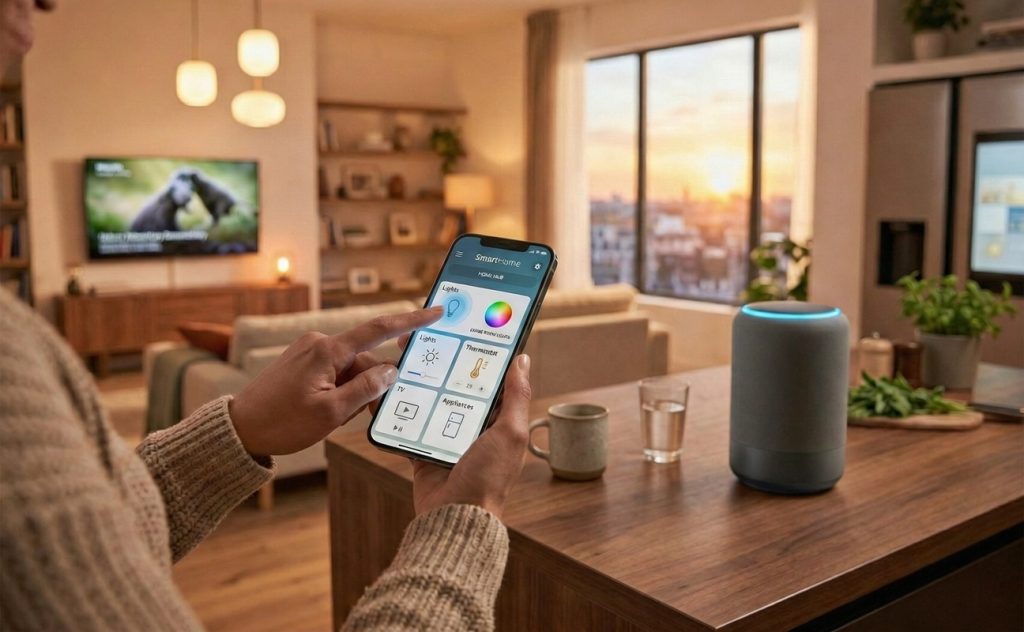
Creating a smart home may be easy, but managing it to ensure safety and privacy can be tricky. Manufacturers regularly release firmware and software updates to patch vulnerabilities.
- Enable automatic updates on your assistant and connected devices.
- Update companion apps on your smartphone.
- Replace devices that no longer receive security updates.
Use Voice Match and User Profiles
Most major assistants support multiple user profiles.
- Set up voice recognition for individual household members.
- Restrict access to personal calendars, shopping lists or contacts.
- Enable purchase authentication via PIN or voice match.
All these measures improve accuracy while strengthening privacy controls when managing smart home assistants at home.
Limit Smart Purchases and Payment Access
Voice purchasing can be convenient but risky.
- Disable voice purchasing if not needed.
- Set a PIN code for transactions.
- Monitor order history regularly.
This prevents accidental or unauthorised purchases.
Monitor Connected Smart Devices
Assistants often control lights, locks, thermostats and cameras.
- Regularly audit connected devices in your app.
- Remove devices you no longer use.
- Ensure smart locks and cameras also follow strong password and update practices.
Be Aware of Always-Listening Technology
Smart assistants use wake words to activate. They do not continuously record conversations for storage without activation, but false triggers can still occur.
- Choose a less common wake word if available.
- Periodically check activity logs to see when the assistant was activated.
FAQs
Can smart home assistants record conversations?
They continuously listen for a wake word but only record and store audio after activation, though accidental triggers can occur.
How do users manage data and voice history on smart home assistants?
Users can review, download and delete voice recordings through account settings in the companion app or web dashboard.
Are smart home assistants suitable for families with children?
Yes, with parental controls, voice profiles and purchase restrictions enabled, they can be safely used in family households. Amid the growing popularity, many off-plan projects now feature smart home tech, supporting the trend toward automation.
Individuals using smart home assistants need to be familiar with all of the aforementioned factors. By applying these smart home assistant security tips and reviewing privacy settings, households can benefit from automation while keeping their data safe.
When buying or renting a home in the UAE, check if it comes with an AI assistant installed. Incorporate all necessary safety measures to protect the household’s privacy and to use the technology.
For more informative pieces on home and living, stay connected with the UAE’s leading property blog.