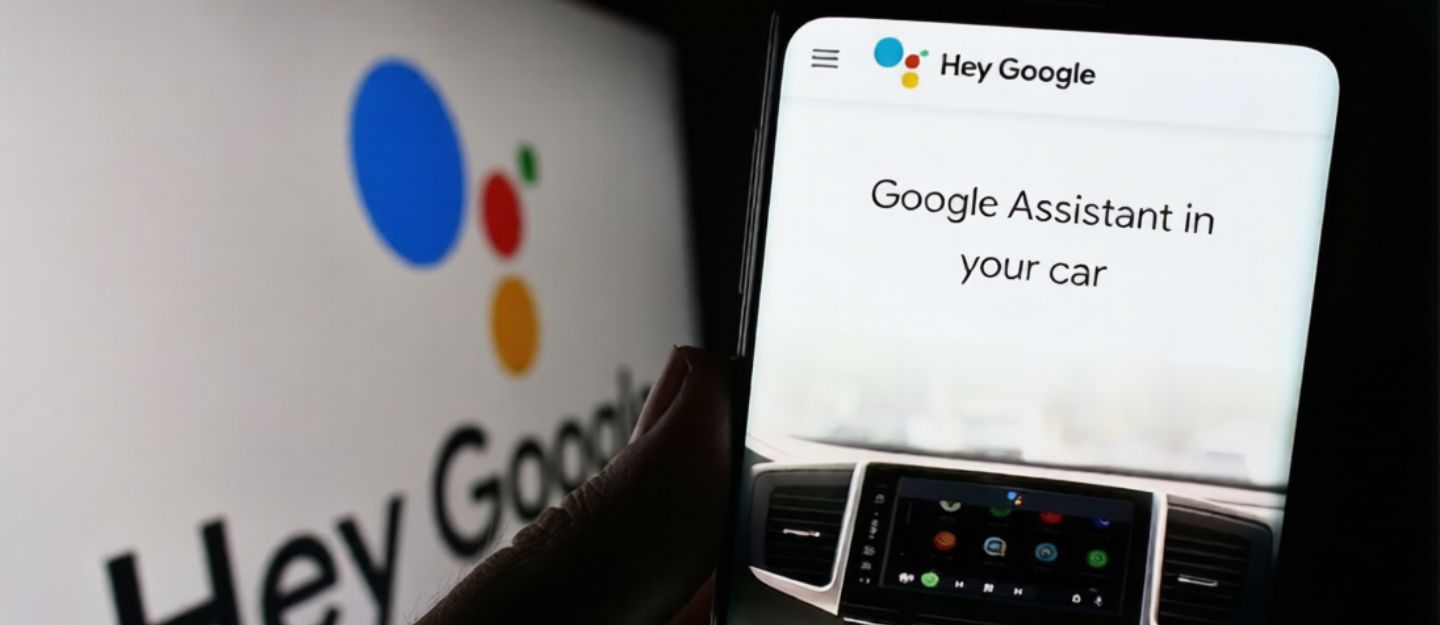
Digital assistants are getting increasingly common in modern vehicles, allowing drivers to manage key functions through voice control. One such example is of Google Assistant in-car technology, designed to support a safer, more convenient drive. Understanding how the Google Assistant in cars works helps to take advantage of this smart feature without getting distracted.
Google Assistant for Cars
Google Assistant in cars is a built-in digital assistant integrated with the vehicle’s infotainment system. The system operates on voice commands, enabling drivers to manage a range of in-car functions without taking their hands off the wheel. Google Assistant for cars features advanced natural language recognition, allowing it to understand and execute commands spoken in everyday language without relying on specialised phrases.
Google Assistant Car Features
The Google Assistant voice control system is built to manage a wide range of in-car functions using voice commands. The core Google Assistant car features include:
Navigation
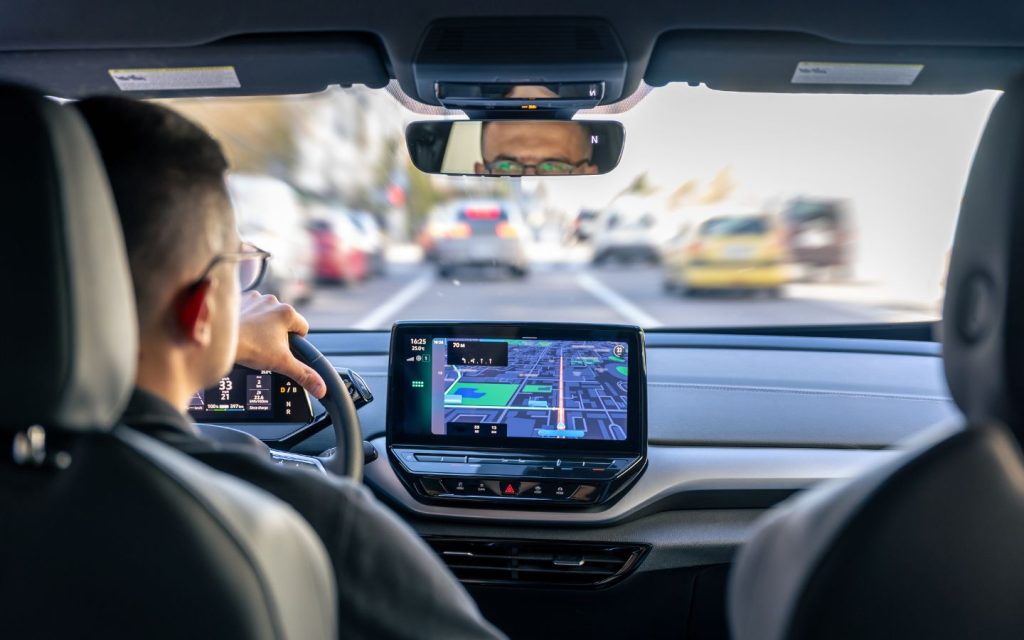
Google Assistant supports navigation by processing voice commands and displaying directions on the infotainment screen with an optimised route. It also provides turn-by-turn voice guidance, helping drivers stay focused on the road. In addition, it can locate nearby places such as restaurants or EV charging stations.

Car Setting
Integrated with the car’s infotainment system, Google Assistant can help personalise the driving setup. It can recall and apply saved preferences such as seat position and climate control system for individual drivers, then adjust them on command. It also supports on-the-spot changes, allowing key settings to be updated quickly to suit the situation.
Calling
Google Assistant also streamlines communication on the go, enabling hands-free calling and messaging through voice commands. It can dial numbers, answer incoming calls and send texts by turning dictated speech into written messages, reducing the need to handle a phone while driving.
Entertainment
Google Assistant also manages in-car entertainment, from playing music and podcasts to adjusting audio settings through voice commands. With support for compatible streaming and entertainment apps, it streamlines access to content without disrupting the drive.
Journey Planning
Google Assistant helps drivers plan journeys more efficiently by providing weather updates, road conditions and live traffic information. It can also support route planning around charging and petrol stations in the UAE. In addition, it can manage reminders and to-do lists, keeping essential tasks organised while travelling.
How to Set up Google Car Assistant
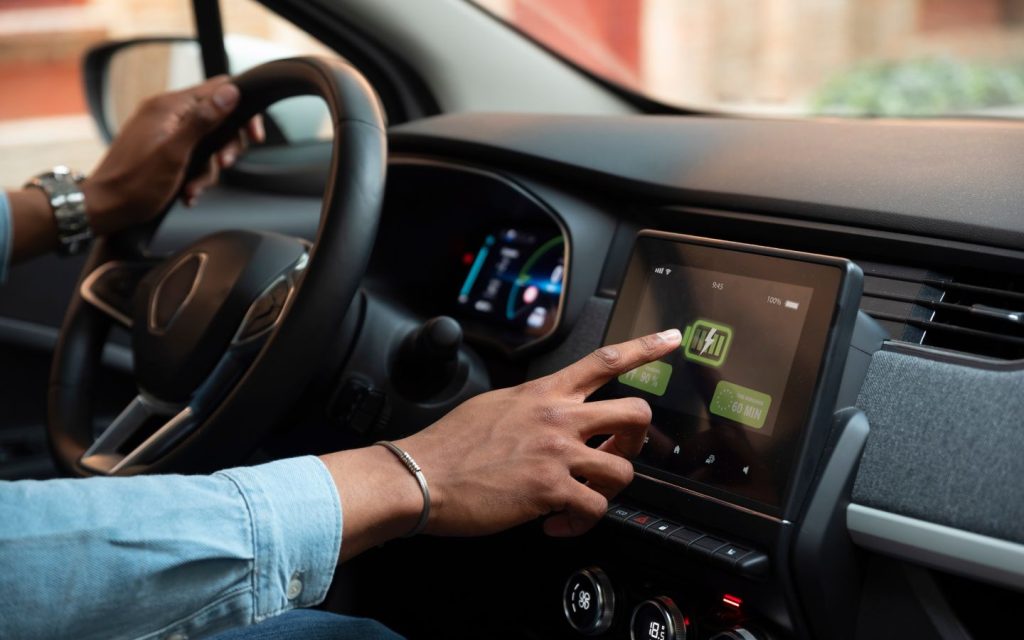
Setting up Google Assistant in a car is a straightforward process, involving the following steps:
- Step 1: Tap on the car’s display screen, select ‘Set up profile’ and follow the on-screen instructions to create a driver profile.
- Step 2: Tap on ‘Profile picture’ or ‘Initials’ displayed on the top right corner of the screen and sign in to your Google account.
- Step 3: Once the account is logged in, tap ‘Settings’, ‘Bluetooth’ and then ‘Pair new device’.
- Step 4: Follow the instructions on the display screen and phone to finish the process.
Once Google Assistant is set up, drivers can start using the available in-car features. In some cases, enabling Google Assistant Driving Mode on the phone may be required to access the full range of functions. If the car supports Android Auto, it can be connected wirelessly or via a USB cable, rather than relying solely on Bluetooth pairing.
FAQs
How does Google Assistant work while driving?
Google Assistant uses voice recognition to process spoken commands and respond through the car’s infotainment system.
Is Google Assistant available in all cars?
No, availability depends on the vehicle’s infotainment system and software compatibility. It is more common in newer models, while some older cars may require Android Auto support or may not support it at all.
What is the difference between Google Assistant and Android Auto?
Google Assistant is a voice-controlled digital assistant, while Android Auto is a platform that mirrors smartphone apps on the car’s display. Android Auto often uses Google Assistant as its voice control feature.
Can Google Assistant control car functions?
Yes, in compatible vehicles, it can control functions such as navigation, media playback, calls and climate settings. The range of controls depends on the car manufacturer and system integration.
This is all about Google Assistant in cars and the range of features it offers. Managing key functions through voice commands helps reduce distractions while maintaining road safety. Considering its importance, digital assistants are now common in many new cars for sale in the UAE.
Stay tuned to dubizzle’s auto blog to learn more about connected car technology.
Related Posts