From smartphones to kitchen appliances, electronic devices are an integral part of our daily lives. With regular use, these gadgets accumulate dust, smudges, fingerprints and even bacteria. However, cleaning them requires more than just a quick wipe-down. Using the wrong cleaning method can damage the device or reduce its lifespan. That is why it is crucial to have a few tricks up your sleeve when cleaning electronic devices at home.
How to Clean Home Electronics – Tips and Tricks
Cleaning electronic gadgets is a significant part of maintaining a tidy home. That said, using too many products or inadequate methods can impair the devices. To prevent this, here are some helpful solutions for cleaning electronic devices at home.
Always Turn Off and Unplug First
Before cleaning any electronic item, make sure it’s powered off and unplugged from the socket or charger. This prevents electric shocks and protects the internal circuitry from moisture damage. For battery-operated devices, remove the batteries where possible.
Use the Right Cleaning Tools
Avoid using paper towels or rough fabrics that can scratch surfaces. Instead, opt for these home cleaning tools:
- Microfibre cloths: Gentle and lint-free.
- Cotton swabs: Suitable for corners and crevices.
- Soft-bristled brushes: Useful for vents, ports and keyboards.
- Compressed air cans: Help remove debris from hard-to-reach spots.
Stick to Mild Cleaning Solutions
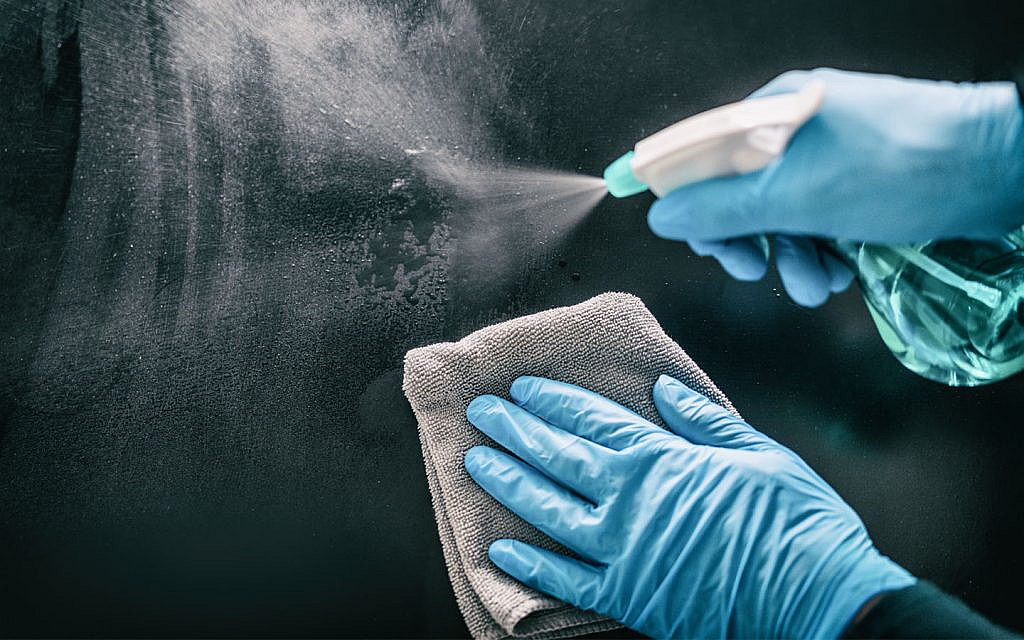
Never spray liquid directly onto any device. Instead, make a safe DIY cleaner by mixing equal parts of distilled water and 70% isopropyl alcohol. When cleaning smartphones and laptops or TVs, use only cleaners that are specifically made for screens. Avoid bleach, window cleaners or strong alcohol solutions, as they damage delicate parts and strip protective screen coatings.
How to Clean Specific Devices
Smartphones and Tablets
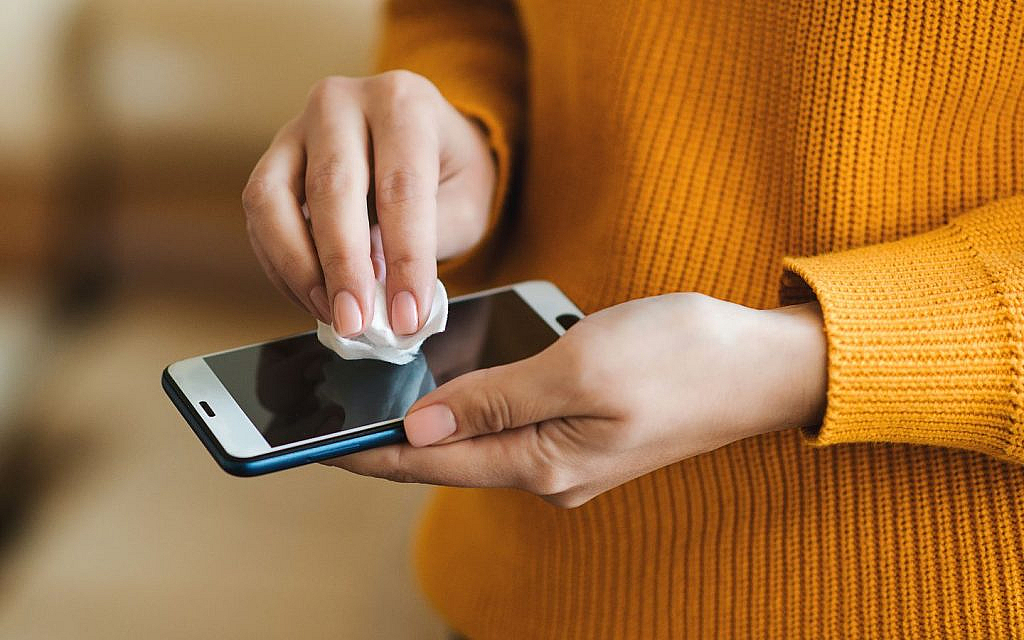
When cleaning electronic devices at home, use a microfibre cloth dampened with a screen-safe solution. Use a cotton swab to clean the edges and buttons. Avoid moisture near speaker grills or charging ports.

Televisions and Monitors
Dust the screen gently using a dry microfibre cloth. For smudges, use a screen-safe cleaner sprayed on the cloth (not the screen). Clean the frame and stand with a slightly damp cloth.
Laptops and Keyboards
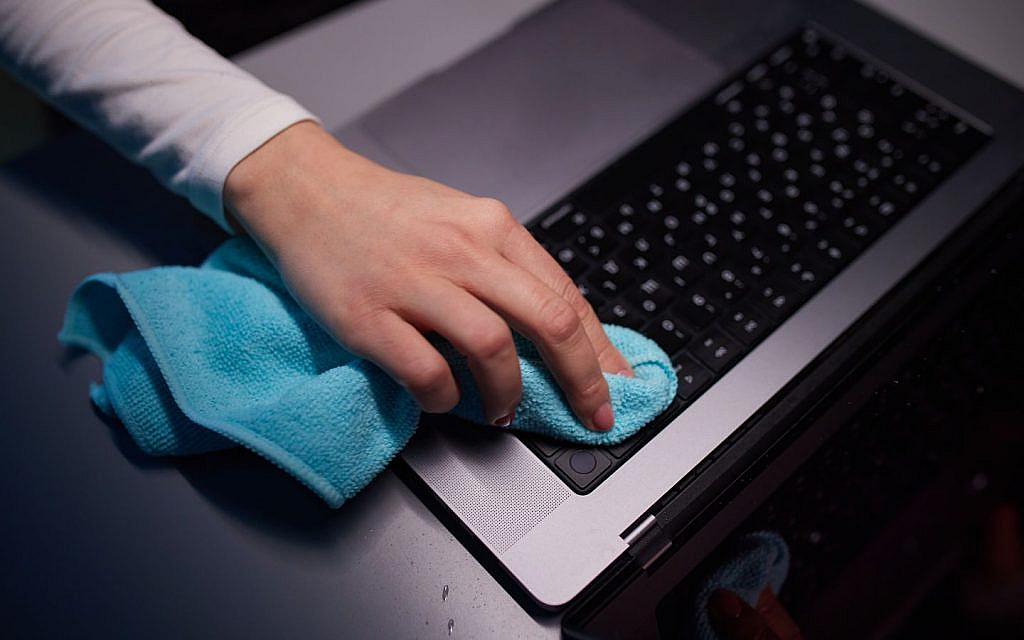
When you buy a used or new electronic gadget with a delicate screen, be mindful of the pressure you apply and the cleaning solution you use. For instance, when cleaning a laptop, turn it upside down and gently tap to dislodge loose debris. Use a soft brush or compressed air to clean between keys. Wipe the screen with a microfibre cloth and screen cleaner.
Remote Controls
Remove batteries before cleaning. Use a cotton swab dipped in alcohol to wipe between buttons. Also, use a dry cloth afterwards to remove any leftover moisture.
Gaming Consoles
Dust the exterior using a microfibre cloth. Also, use compressed air to clean around the ports and vents.
Headphones and Earbuds
Use a dry toothbrush to remove wax or dirt from mesh grilles. Wipe down the body with a damp microfibre cloth. Don’t immerse them in water.
Kitchen Appliances
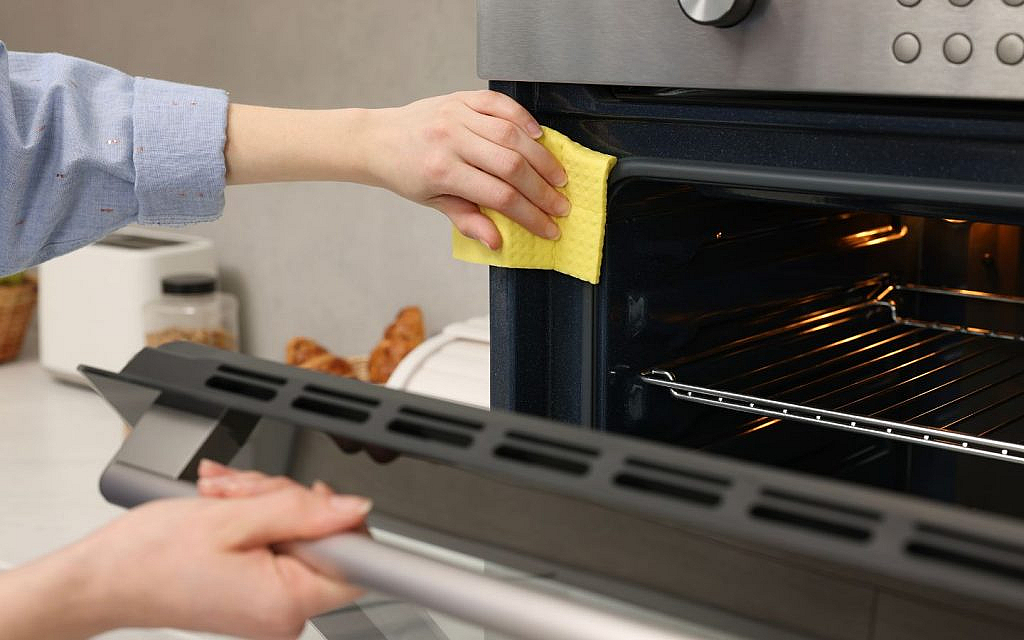
Cleaning kitchen appliances regularly keeps them running efficiently and helps maintain hygiene. Always unplug appliances before cleaning. Use a damp cloth with mild soap to wipe surfaces and avoid harsh chemicals. For stubborn stains or grease, a mix of baking soda and water is a helpful kitchen cleaning tip.
Clean removable parts like trays or filters separately with warm, soapy water. Don’t forget to wipe handles, knobs and touchpads, as they collect the most germs. Regular maintenance not only keeps appliances looking fresh but also extends their life.
Use Compressed Air Safely
For ports, jacks and vents, here are some safe electronics cleaning tips:
- Hold the can upright and use short bursts.
- Keep it a few inches away from the surface.
- Avoid shaking or tilting the can, which could release moisture instead of air.
Be Gentle With Ports and Connectors
When cleaning electronic devices at home, use a wooden or plastic toothpick to gently remove lint or dust from headphone jacks and charging ports. Additionally, avoid using metal pins or clips since they can damage connectors.
Don’t Forget What NOT to Do
When it comes to best practices for device cleaning, it’s just as important to know what not to do. Avoid using too much liquid, as even a few drops can seep inside and cause a short circuit. Don’t press too hard on screens or buttons; gentle wiping is enough to clean without damaging sensitive parts.
Moreover, never use hairdryers or other heat sources to speed up drying. This can overheat and harm the device. Always allow the device to dry completely before turning it back on to prevent any internal damage.
FAQs
What are the essential tools and materials needed for cleaning electronics?
Essential tools for cleaning electronic devices at home include microfibre cloths, distilled water, cotton swabs, soft brushes and compressed air.
How can I effectively clean a dusty keyboard?
To clean a dusty keyboard, turn it upside down to shake out debris, use compressed air between the keys and wipe the surface with a damp cloth.
How often should I clean my electronic devices?
You should clean your electronic devices regularly, ideally once a week for frequently used items and at least once a month for others.
Those were some tips for cleaning electronic devices at home. These methods are a sound way to keep your home tidy and free from germs and grime. Whether you buy a villa in the UAE or an apartment, knowing these hacks will help you with the overall upkeep of your home, making it safe and spotless.
To learn more home cleaning tips, keep reading dubizzle’s property blog.